Your tickets, your hours, your days off. In one tab. Yes, one.
Boards, time tracking, reports and HR, hosted on your own server. Hal, our agent, takes the tickets nobody picked up.
Self-hosted · Keyboard-first · Fits in a pocket

What Li-quid replaces
- The tracker with 40 tabs
- The timer you forgot to stop
- The HR portal with the forgotten password
- The Slack thread that was the spec
- The invoice you rebuilt from memory
- The wiki nobody has opened since March
One app. One login. Your team actually opens it.
Boards
A board, not a boardroom.
No sprint ceremonies, no fourteen-step workflow. Cards, columns, and a side panel that opens without losing your place.
- Kanban and list views for every project, with issue keys like LQ-42
- Cmd+K and single-key shortcuts, for people who find the mouse rude
- @mention someone and they hear about it in the app, by email or in Slack
- Drag cards on desktop, move them with a tap on your phone
Time
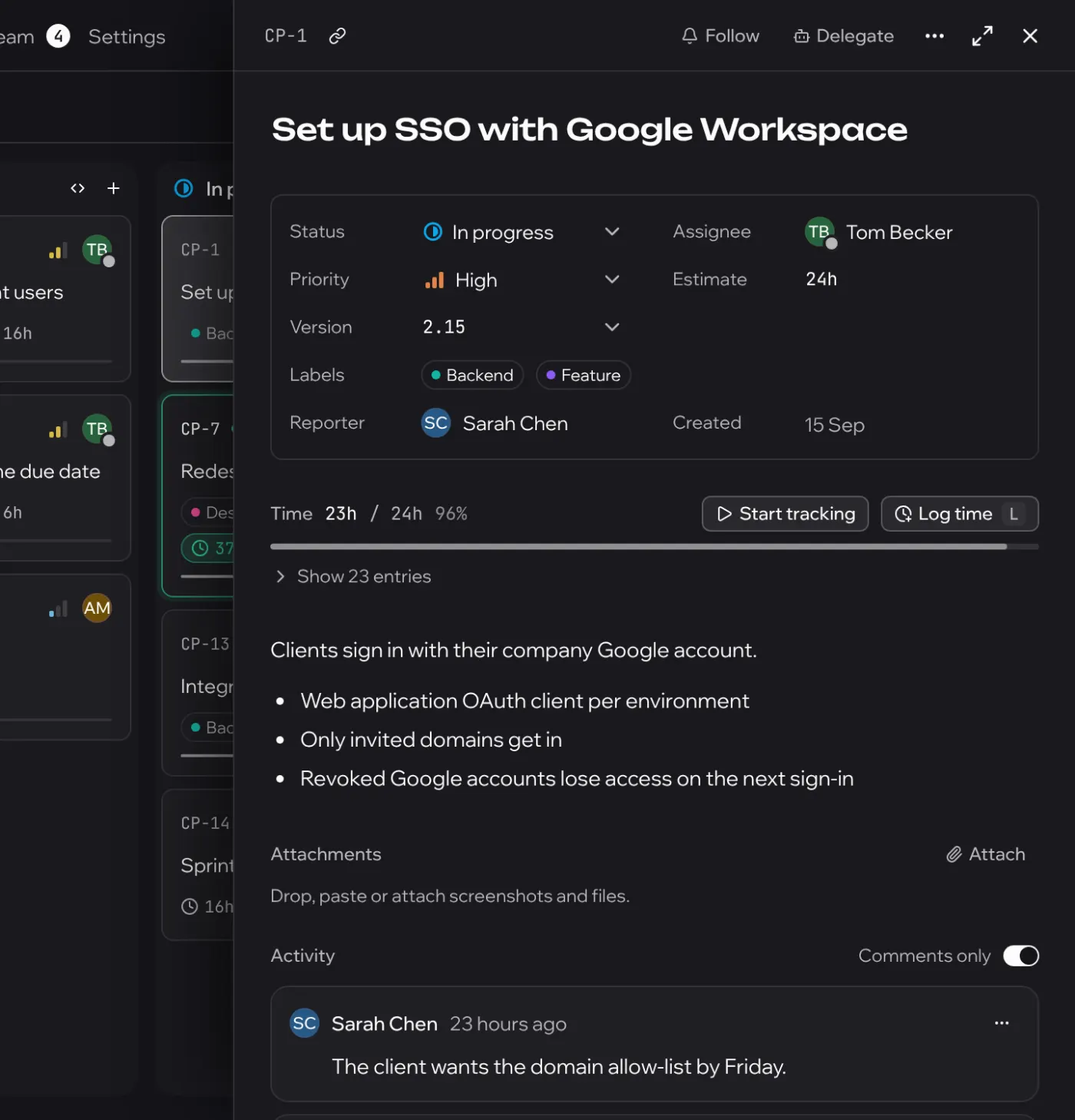
Time lives on the ticket. Not in your memory at 18:00 on Friday.
Press play on a card, or type 1h30m like a civilised person. Nothing to reconstruct from chat history on invoice day.
- One running timer at a time, visible from every screen
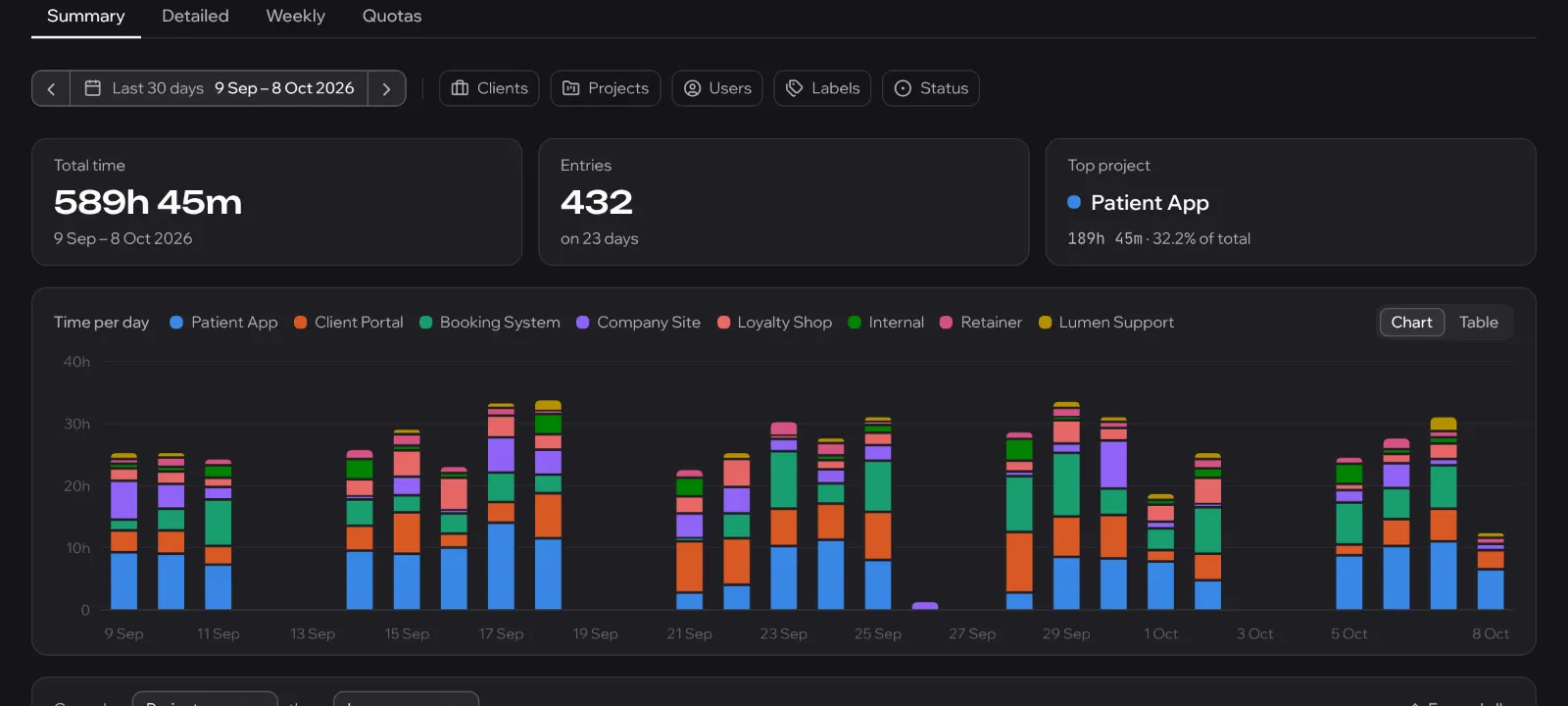
- Summary, detailed and weekly reports with CSV and PDF export
- Weekly hour quotas per person and project show what's left
- Group projects by client, star the ones you live in
Team
Who's in, who's out, whose birthday you forgot.
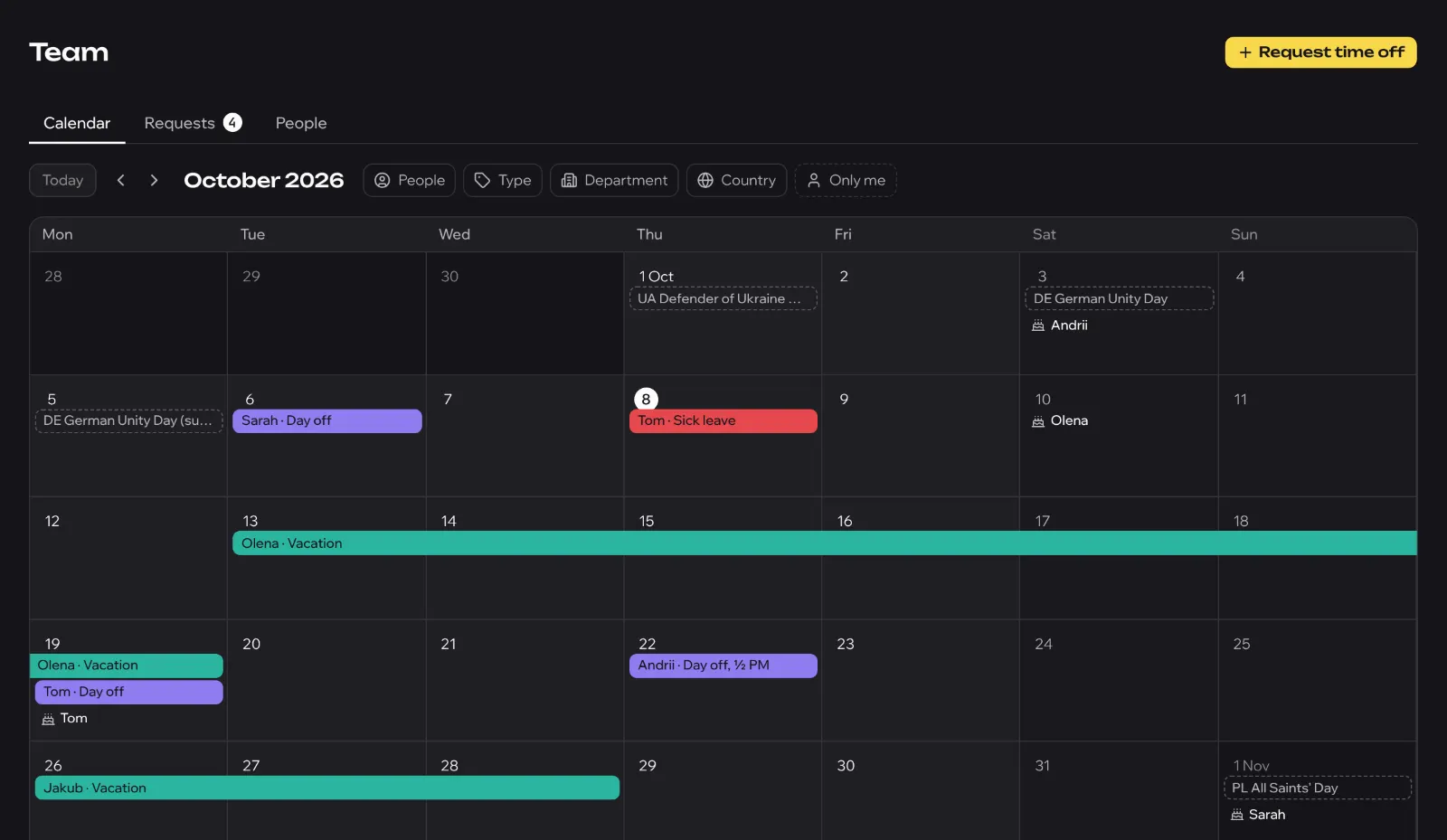
Leave, approvals, allowances and holidays in every country your team is scattered across, inside the tool they already have open.
- One calendar for vacations, days off, public holidays and birthdays
- Requests and approvals, with days left shown to each person
- Sick days need no approval, because that's not how being sick works
- Import your people from Google Workspace in one step
Docs
Docs that live where you'll actually find them.
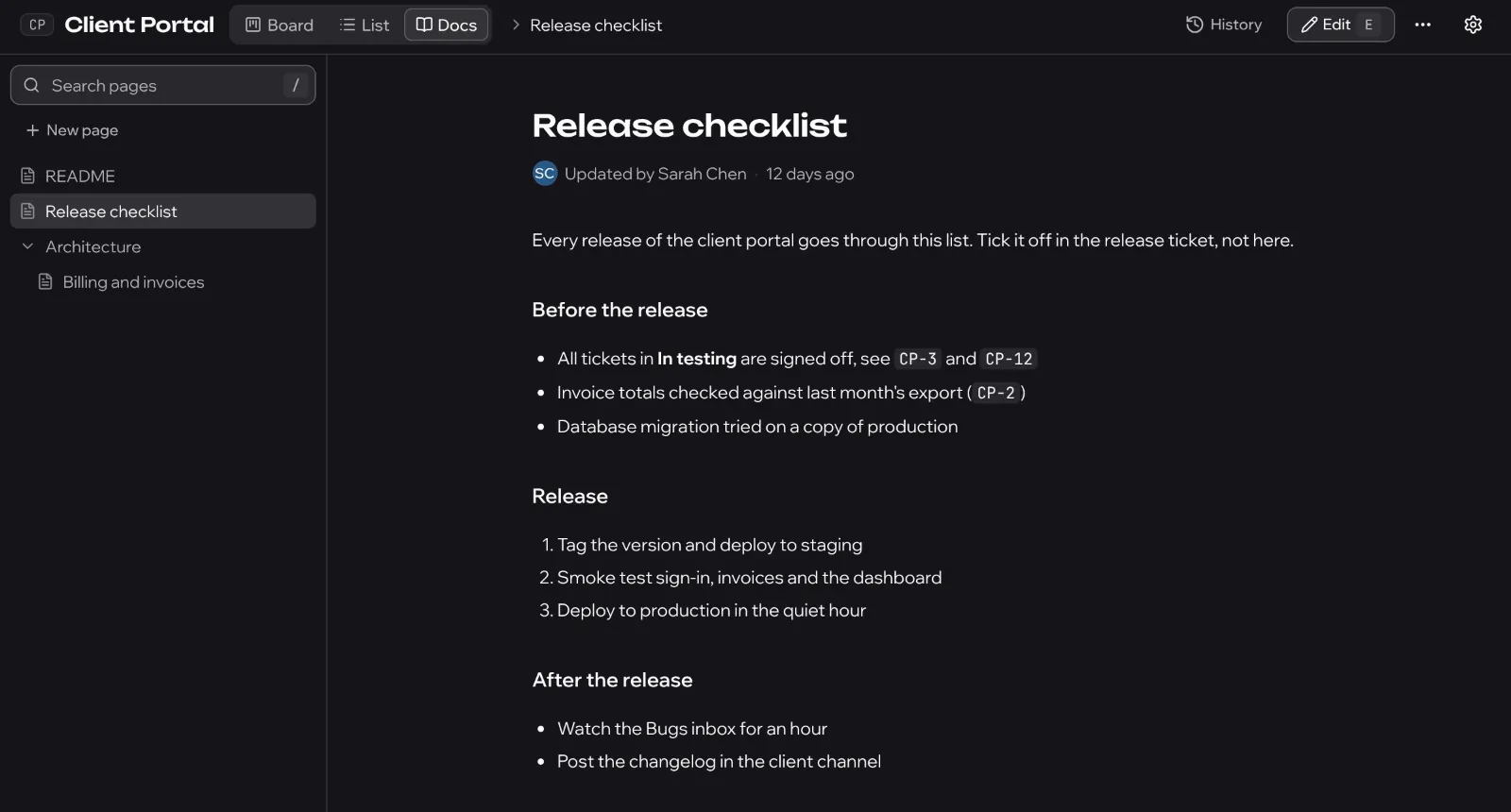
Markdown pages next to the board, with history. Your wiki can finally retire.
- A docs section in every project, with revision history
- Type LQ-42 and it becomes a live link with the issue's status on hover
Hal, the in-house agent
Hal does the tickets you keep postponing.
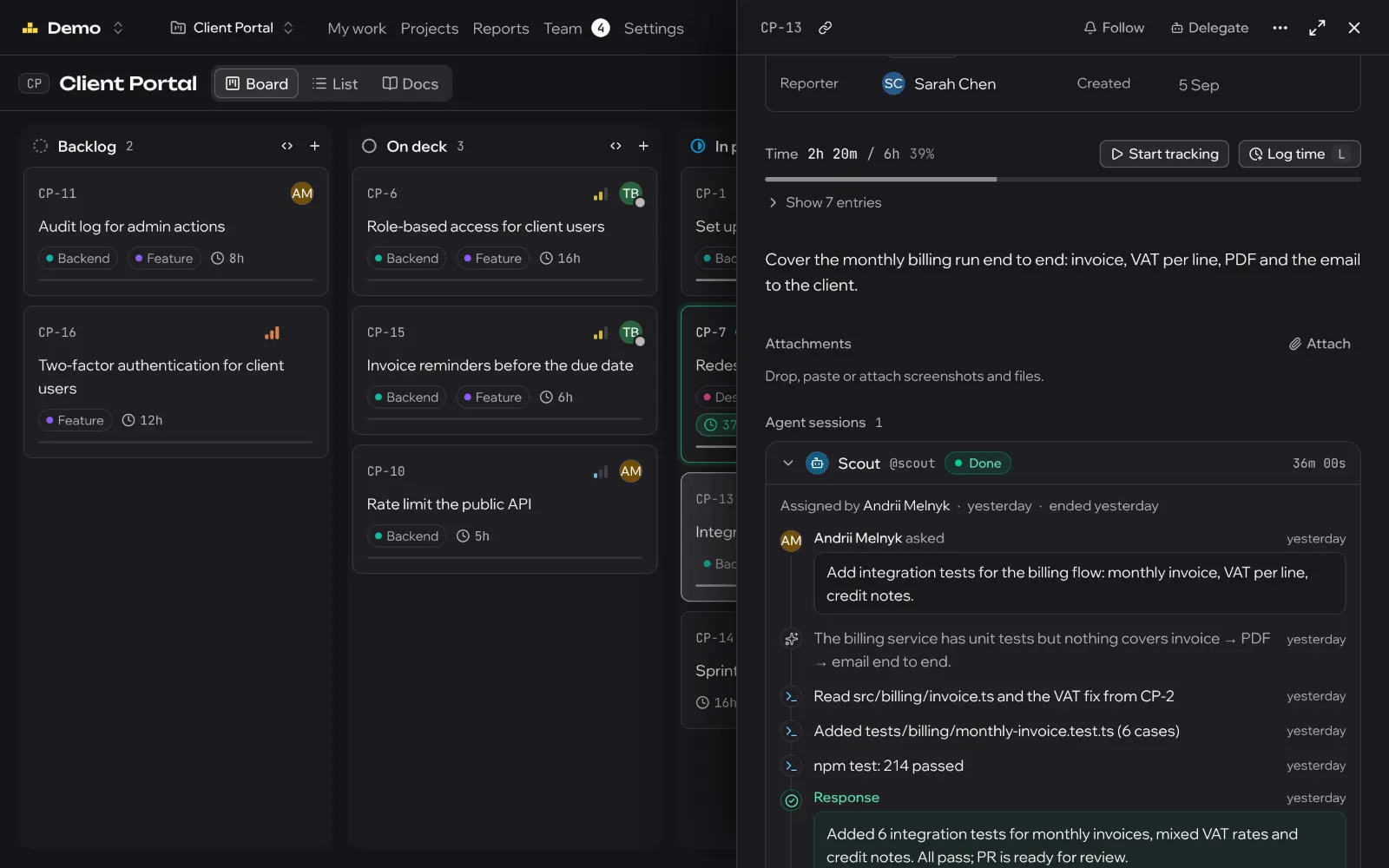
Assign him a ticket. He asks his questions once, in a batch, like an adult, then opens a pull request and tells you what it cost.
Hi. What's the ticket?
- You
CP-13: VAT is rounded per invoice, should be per line.
Two questions before I touch anything: round half up or banker's? And do old invoices get recalculated?
- You
Half up. Old ones stay.
Done. Tests added for the 0.005 cases.
PR #87 opened · 41 credits
He pushes back
Bad ideas and security risks get a question, not a nod.
He knows his size
Refuses architecture rewrites. He's read the postmortems.
He keeps his hands off
Never touches roles, settings or credentials, whoever asks.
He shows the bill
Credits spent are logged on the ticket. No surprise invoice.
Bring your own agents
Hal isn't jealous.
Plug in any agent you already run. It gets a handle, a ticket and a session on the board like everyone else.
- Assign a ticket to an agent or @mention it; the session shows on the ticket
- REST API and MCP server with personal tokens
- Bugs from Sentry, Bugsnag and Crashlytics land in an inbox and become tickets in one click
Mobile
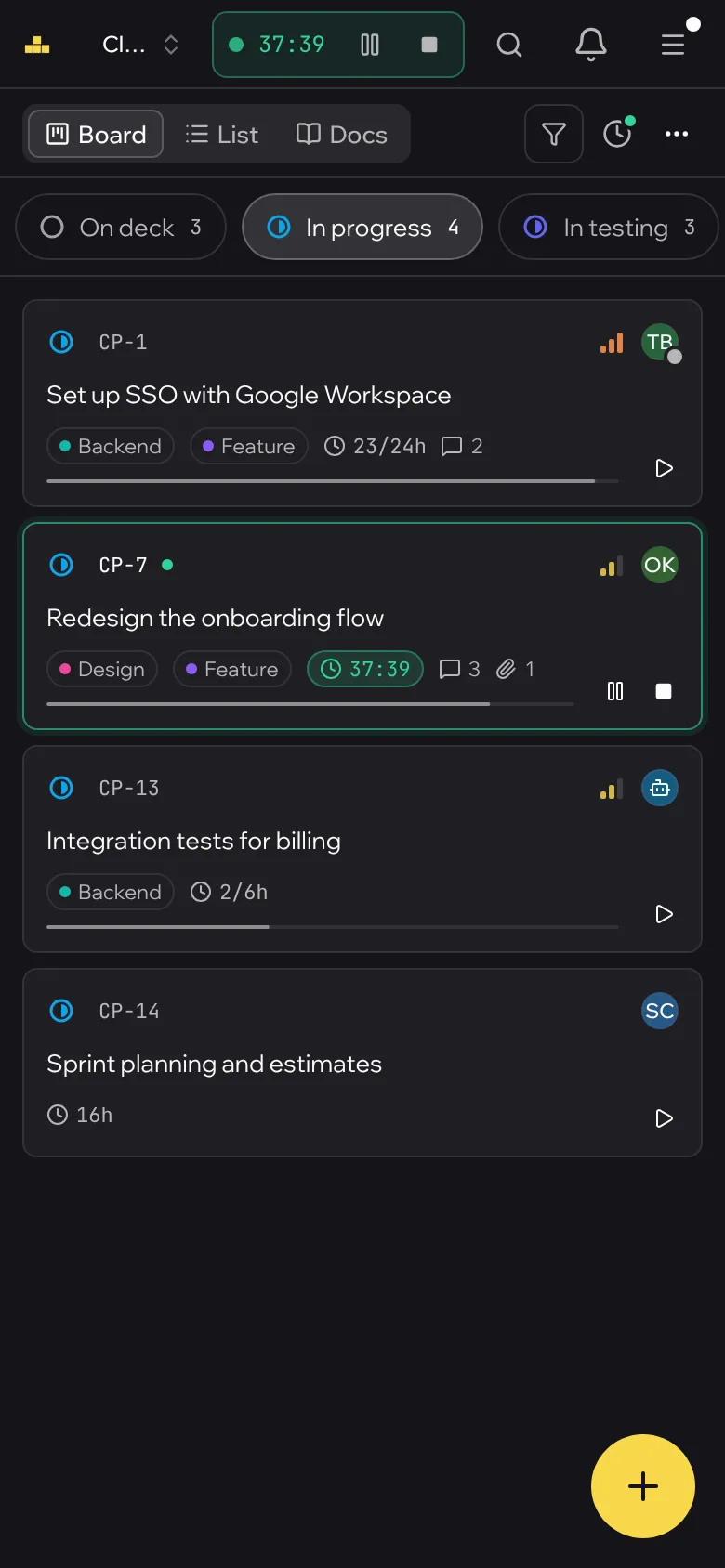
Approve a vacation from a vacation.
Every screen, one thumb. Check the board, start a timer, sign off a day-off request, all without pinching a desktop layout.
Self-hosted
Your server. Your data. A broken upgrade rolls itself back.
One Docker Compose file on your box, behind your own domain. We can't see your board, and that's the point.
Your server, your data
Runs with Docker on your own box. Nothing leaves it unless you connect it to something.
Upgrades that know their place
Nightly backups, and upgrades that back up first and roll back if anything looks wrong.
Sign in your way
Email and password or Google. Invitation only, so nobody's cousin signs up.
Guests welcome
Invite a client to their own boards. They see their projects, not your other ones.
Talk to a human. Hal is busy.
Tell us how your team works and we'll show you Li-quid. Built by LI Solutions, who have been shipping software since before “agile” had a capital A.
How Li-quid uses Google data
Sign in with Google. Google shares your name, email address, Google account ID and whether Google has verified the address. Li-quid uses them only to sign you in to your existing account or to accept an invite sent to that address, and keeps your Google account ID and address to recognise you next time. It does not store Google's access tokens or your Google profile photo.
Google Workspace directory. When a workspace admin connects their company's Google Workspace, Li-quid reads the directory read-only: names, email addresses, job titles, departments, managers, photos and, if the admin maps them, birthdays, start dates and countries. It uses them to add colleagues to the Team section, after the admin reviews a preview.
Li-quid does not sell Google user data, does not use it for advertising and does not share it with third parties, apart from the hosting providers that run the service. Details are in the Privacy Policy.